
Route Every Caller
to the Right Place
Create professional IVR menus that route callers intelligently. Set up multi-language prompts, configure time-based routing rules, and connect to AI employees, your team, or voicemail.
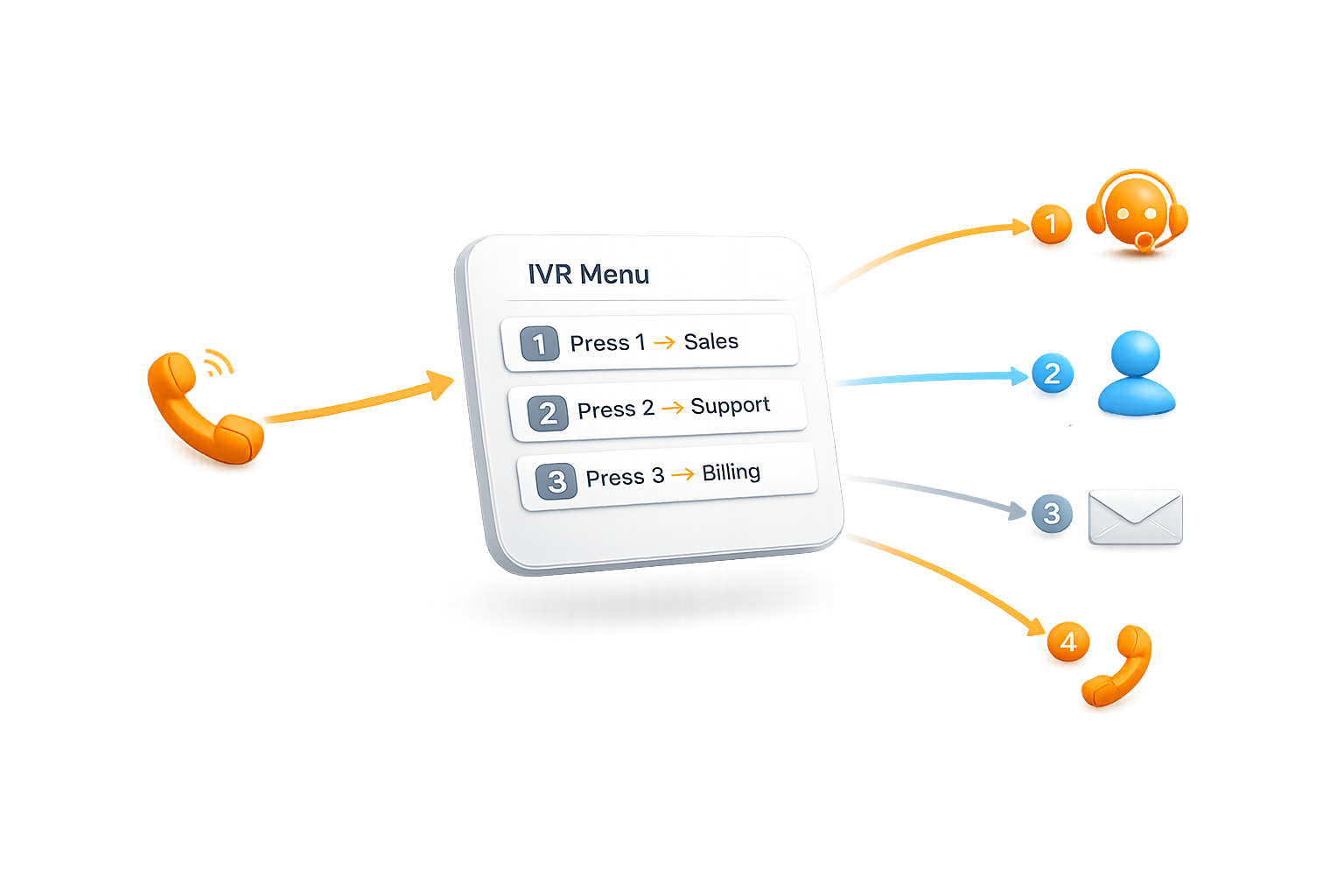
Professional Phone Routing Made Simple
Create sophisticated IVR systems that make your business sound enterprise-ready. Design intuitive phone menus with custom routing, welcome callers with professional greetings, and direct them to the right AI employee automatically. Build multi-level menus, update in real-time, and manage your entire phone system without PBX hardware or technical complexity.
.png)
Menu Details
Configure Your IVR Foundation
Create a descriptive menu name for internal reference, add a clear description outlining the menu's purpose, and assign a dedicated phone number that customers will call to access this IVR system.
.png)
Voice Settings
Craft Your Welcome Message
Design the first impression callers experience when they reach your system. Choose between text-to-speech synthesis for dynamic, editable greetings or upload a professionally recorded voice memo for a personalized brand experience.
.png)
IVR
Program Keypress Routing Logic
Define intelligent call routing for each numeric input. Direct callers to specific AI call employees, connect to live agents, play informational recordings, or transfer to external numbers - creating seamless customer journeys based on their needs.
Practical Use Cases That Drive Results
From multi-department routing to after-hours call handling, IVR menus solve real business problems across industries. See how businesses automate call routing, eliminate missed transfers, and handle unlimited calls simultaneously, all while maintaining a professional first impression.

Multi-Language Voice Greetings
Create professional greetings with AI voices in 13 languages, or upload your own audio recordings

Assign Phone Numbers
Connect a dedicated phone number to your IVR menu so callers are greeted automatically

Smart Call Routing
Route callers by keypress to AI employees, external phone numbers, voice memos, or nested submenus

Assign Phone Numbers
Configure up to 12 keypad options (0-9, *, #) with different actions, timeout settings, and retry limits