
Code Editor
& File Explorer
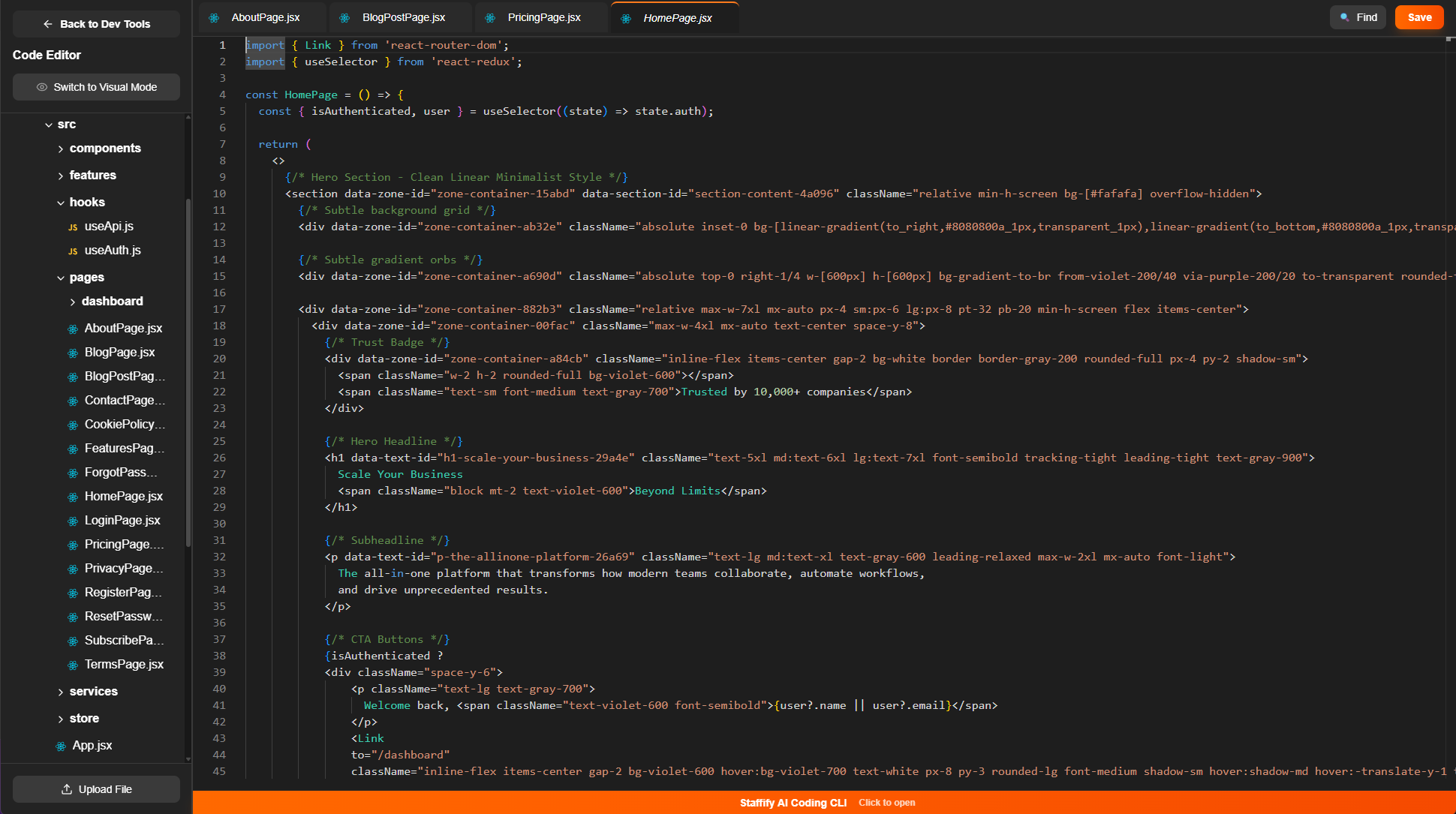
The Code Editor and File Explorer give you complete control. Browse your entire project structure, edit any file directly, and make precise changes to functionality. When visual editing isn't enough, dive into the code for full precision and power.





Build Faster with
Full Code Control
The Code Editor for building your SaaS. Edit Code, browse all your project files, and watch your updates sync instantly across your entire application.
Staffify AI Coding CLI
Code through conversation. Describe what you want, and watch your AI assistant build it in real-time with full transparency into every file change.
.png)
.png)
.png)
Built For Speed And Efficiency
Our Code Editor is engineered for peak performance and seamless workflow. Instant file navigation, lightning-fast search, and zero-lag editing keep you in the flow. Auto-save ensures you never lose progress, while intelligent syntax highlighting and code completion speed up development. Every feature is designed to eliminate friction, so you can focus on building instead of fighting your tools.
.png)
Page Tabs
Multiple Tabs keep your workflow fluid and organized. Open files side-by-side, switch between components instantly, and maintain context across your codebase. Jump between frontend, backend, and config files without losing your place, making complex changes faster and more intuitive.
.png)
File & Code Search
File & Code Search finds what you need in seconds. Instantly locate any file, function, or code snippet across your entire project. Jump directly to the exact line you're looking for, no scrolling or manual hunting required. Fast search keeps your momentum going and eliminates wasted time.
.png)
Upload files
Upload Files directly into your project with one click. Add images, assets, fonts, configurations, or any resource your application needs. Files integrate instantly into your project structure and become immediately accessible across your codebase. No manual setup, just upload and start using.